

Had an interesting iPhone 16 Pro Max data recovery come in and wanted to see if anyone else has experienced this....
The phone came in heavily smashed and completely dead. After troubleshooting, I found a VDD_MAIN short. Once I cleared the short, I was able to get the phone booting again.
My original plan was to connect it to a PC and see if I could get the usual Stolen Device Protection prompt so I could proceed with the recovery. However, the phone wouldn't establish a USB connection.
After troubleshooting further, I eventually discovered the board had a sandwich separation issue, which explained why USB wasn't working.
Before digging into the sandwich repair, I started playing around with Stolen Device Protection just to see what would happen.
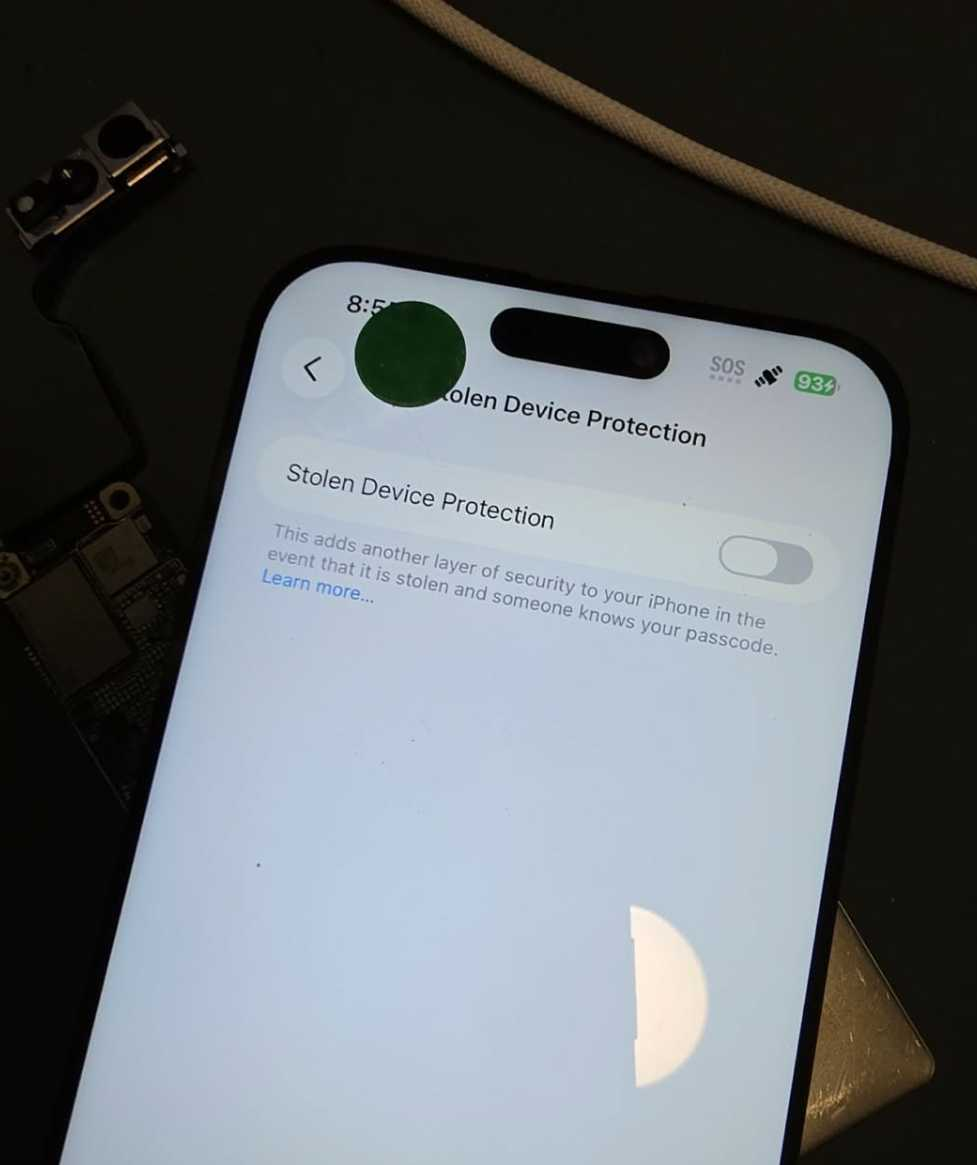
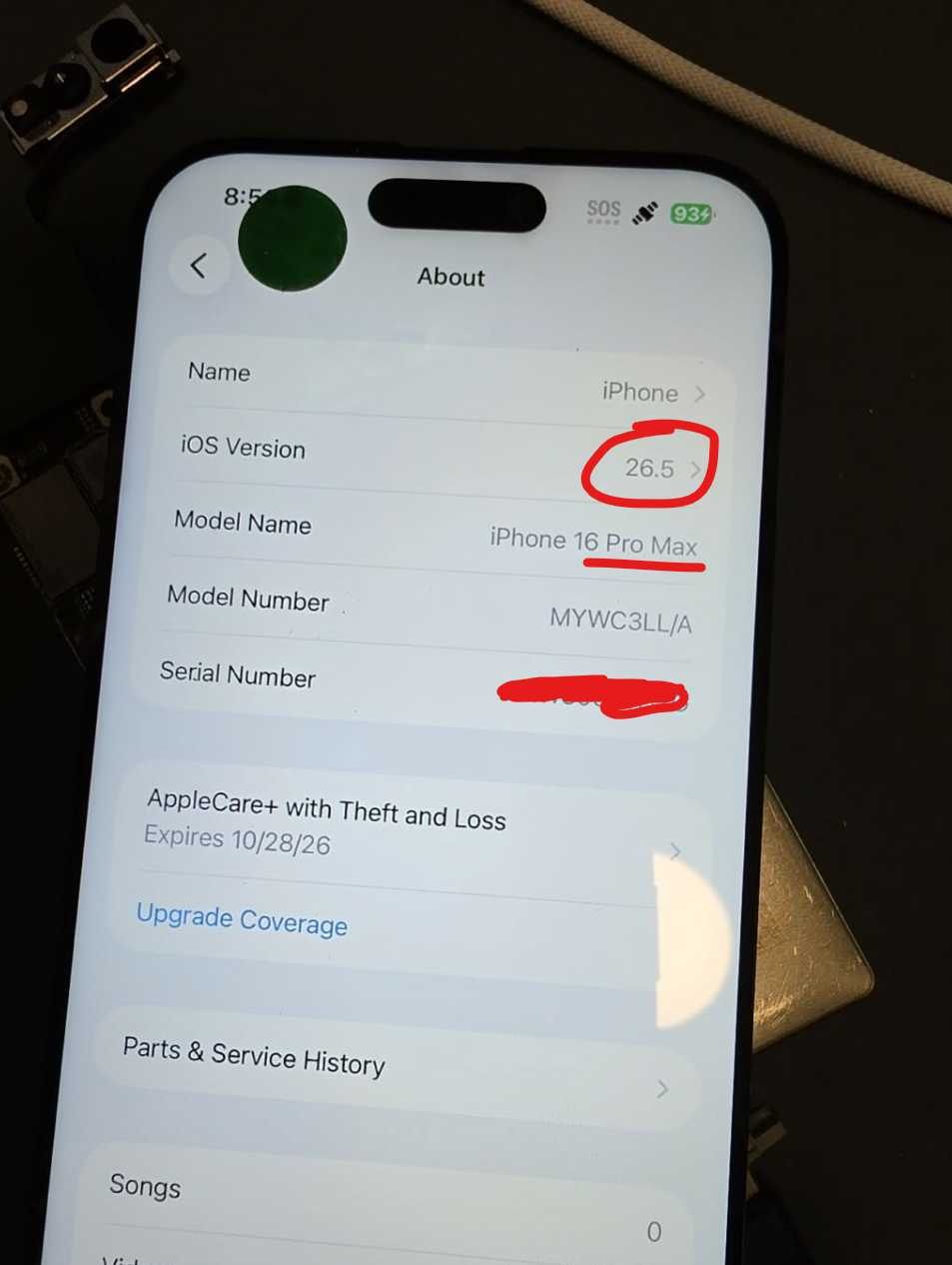
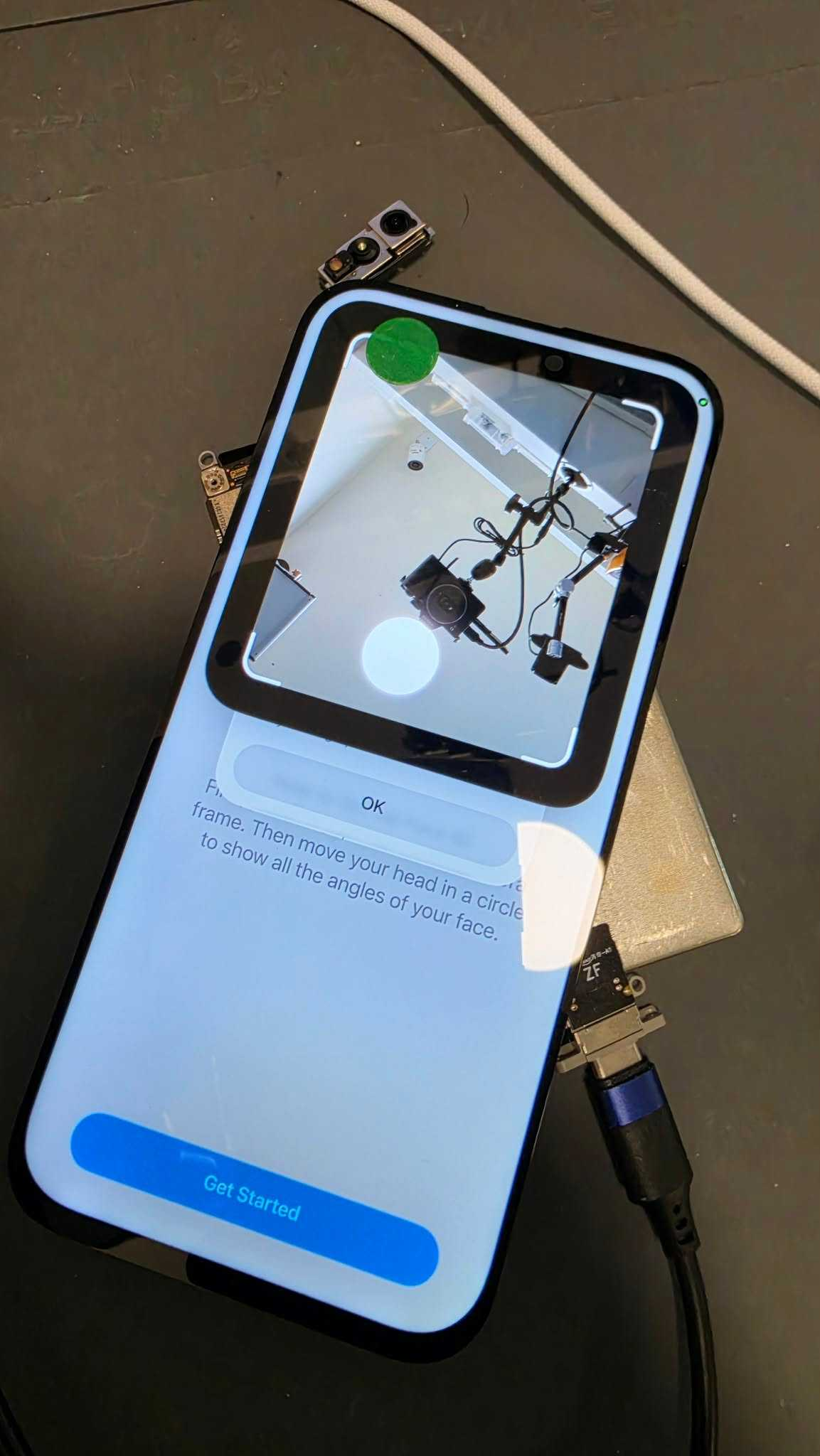
I noticed Stolen Device Protection was definitely enabled. Out of curiosity, I tapped "Set Up Alternate Appearance." Normally I'd expect it to immediately reject me since I'm obviously not the owner, but instead it actually looked like it wanted to proceed with Face ID enrollment. The first time it failed because the Face ID hardware wasn't connected.
So I connected the Face ID sensors and tried again. It would repeatedly open the front camera like it was preparing to scan a face, but then immediately throw a "Face ID Not Available" error. I tried this multiple times with the same result.
Eventually I gave up on that and decided to try something else.
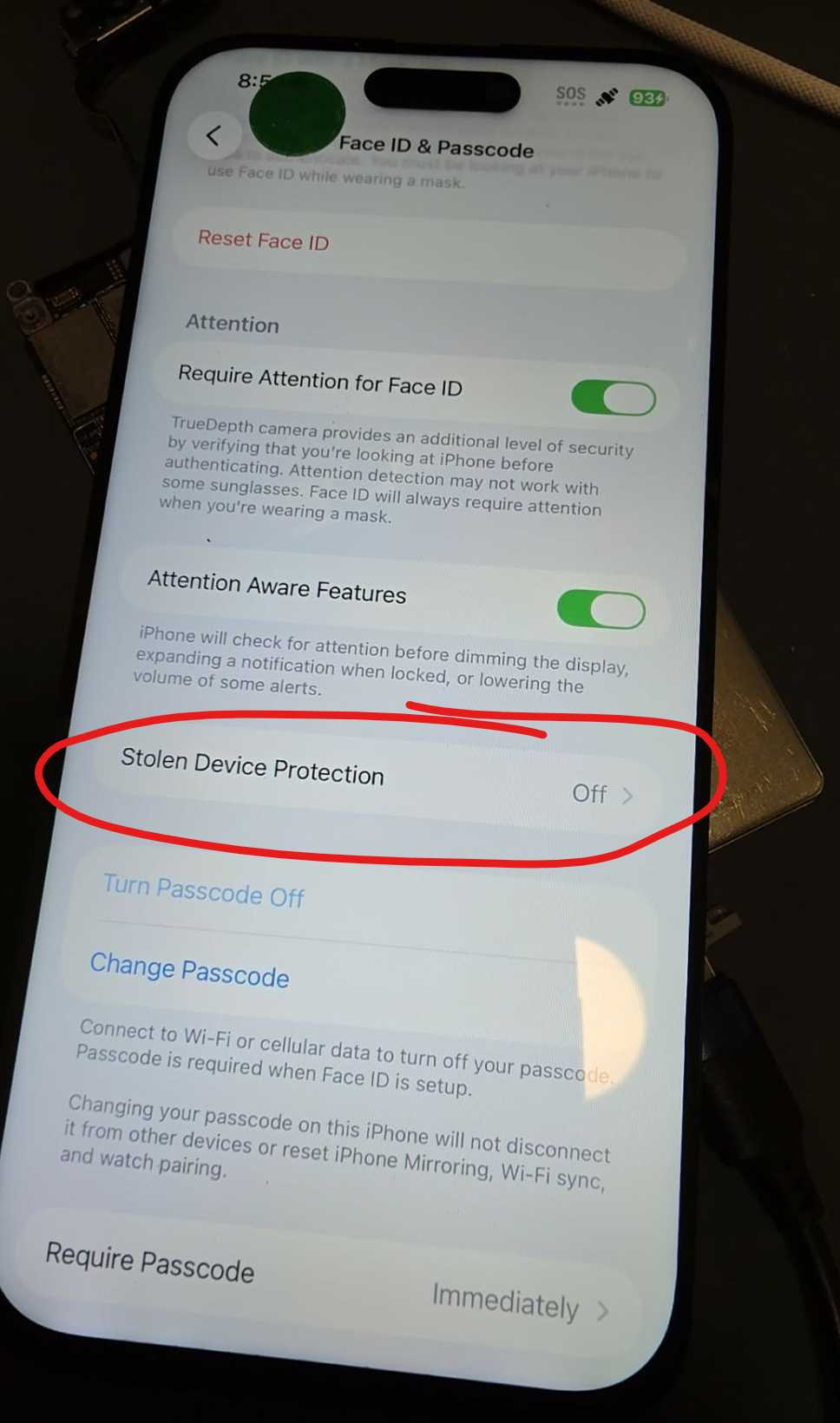
I went into Stolen Device Protection settings and attempted to turn it off. It prompted for the passcode, I entered it, and it disabled immediately.
No Face ID verification.
No security delay.
No additional authentication requirements.
Just off.
The phone was never connected to the internet during this process. It was running the latest iOS version (26.5). Find My wasn't disabled and there were no remote account actions taken.
Afterward, I repaired the sandwich separation, restored USB communication, connected it to a computer, and was able to complete the data recovery.
My only theory is that the phone somehow still believed it was in a familiar location, possibly due to cached location data, and therefore wasn't enforcing the normal Stolen Device Protection requirements.
Has anyone else seen this behavior?
More importantly, has anyone figured out what conditions cause this to happen and whether it's something that can be reproduced consistently?
If you have a Seek Thermal Cam, you're missing out if you don't have a VCC Seek Stand: https://www.vccboardrepairs.com/buy-seek-stand
Injured Gadgets just got these back in stock, so get them while you can!
It can take us a while to build these out sometimes, so they're sometimes out of stock for a while, but we're working towards always having inventory ready to build more as they sell out.
This stand makes using a thermal cam so easy. So much better than any other thermal solution on the market.
It allows you to get real close up (using my Macro Lens), and easily find where the short is coming from.
Plus it's hard free, so you can have your hands free to try to boot the device from DCPS, while having an image that is in focus & not moving around.
You can even record a video through the app, while you inject voltage into the short, so you can go back & see exactly which component was it that was heating up.
Save yourself lots of time by getting a Seek Cam, Stand & Macro Lens! ...
Anyone who is doing game console repairs, knows how many screws you need to remove to access the motherboard.
Especially the PS5, with the 5,000 screws or so.
If you don't already have an electric screwdriver, GET ONE ASAP.
🌟 Cordless Screwdriver with T9 Bit: https://amzn.to/3E5duCj
🌟Extended T9 Bit: https://amzn.to/3c4YJac
It's rechargeable through micro USB and allows you to easily swap the tips out. You can also fold it to be straight or L shape.
Let me know below if you are already using an electric screwdriver 👇👇
Hey, can I get some suggestions on what I'm missing if anything?
A customer sent me a PS4 slim (SAF 005)saying it needs the HDMI IC replaced. I measured in diode mode and readings around the IC were slightly lower than usual but not completely out of spec. In any case, when turned it on, it goes to a white light and the screen is black with some flashes at startup and then completely black again.
Here's what I did:
Replaced HDMI IC: now it's permanently black, no flashes. Also the measurements are nominal.
Replaced port. Even tho it seemed good and all the pins were solid I replaced it to see if it symptoms would change. Nothing changed.
All the diodes measure ok. All the voltages are present. 2.5v on the caps on the chip side. 3.3v on the small diodes and 5v on the other diode.
The fuse that goes bad is fine as well.
I'm posting here as a last resort before I ship it back as a no fix.
Edit: the HDMI Chokes measured good as well
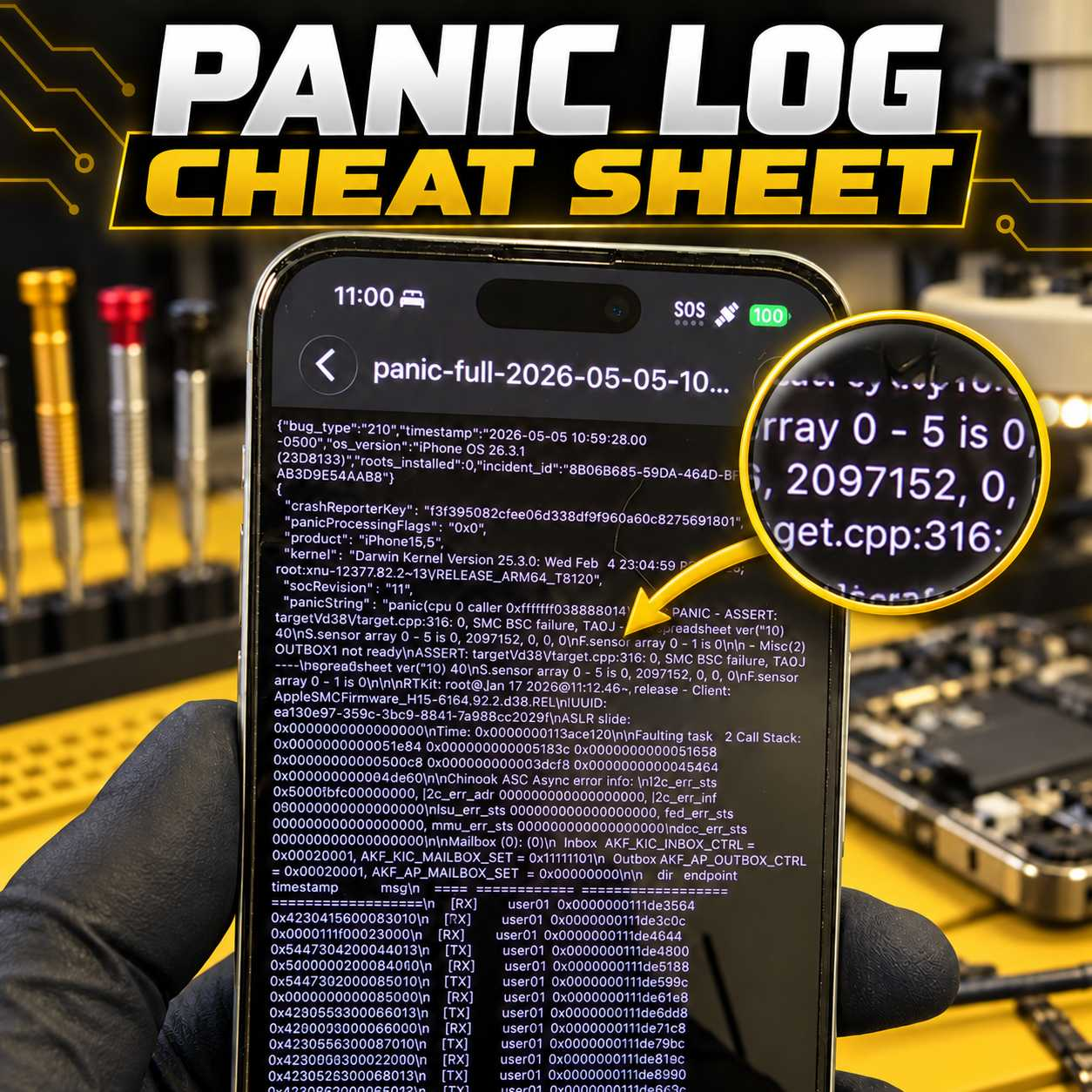
Stop Guessing at iPhone Panic Logs
Panic logs can provide valuable information about why an iPhone is restarting, but identifying the actual cause is not always straightforward.
A panic log may point toward a charging-port assembly, proximity sensor, power circuit, missing sensor, damaged flex cable, or a board-level issue. The difficult part is knowing which component is responsible on each particular iPhone model.
That is why I created the VCC Panic Log Cheat Sheet.
Personally Tested and Verified Solutions
This is not a generic list copied from forums or collected from unverified posts.
The cheat sheet is based on panic logs and solutions I have personally tested and verified while repairing iPhones at VCC Board Repairs. It covers virtually every iPhone model and documents the parts, sensors, flex cables, and circuits commonly associated with specific panic strings and numerical values.
The goal is simple: help repair technicians diagnose restart issues faster and avoid wasting time or money replacing the wrong parts.
...