

Stop Guessing at iPhone Panic Logs
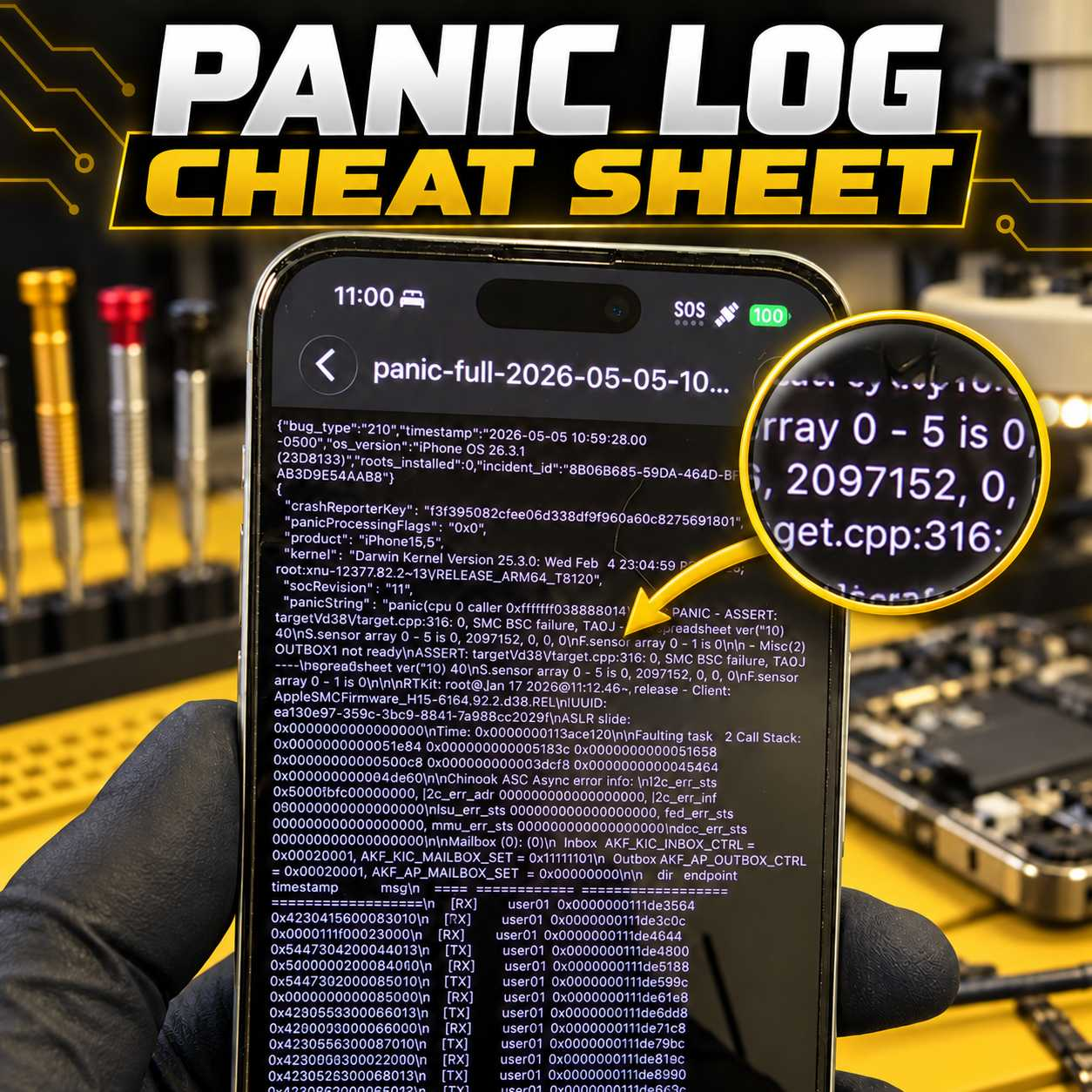
Panic logs can provide valuable information about why an iPhone is restarting, but identifying the actual cause is not always straightforward.
A panic log may point toward a charging-port assembly, proximity sensor, power circuit, missing sensor, damaged flex cable, or a board-level issue. The difficult part is knowing which component is responsible on each particular iPhone model.
That is why I created the VCC Panic Log Cheat Sheet.
Personally Tested and Verified Solutions
This is not a generic list copied from forums or collected from unverified posts.
The cheat sheet is based on panic logs and solutions I have personally tested and verified while repairing iPhones at VCC Board Repairs. It covers virtually every iPhone model and documents the parts, sensors, flex cables, and circuits commonly associated with specific panic strings and numerical values.
The goal is simple: help repair technicians diagnose restart issues faster and avoid wasting time or money replacing the wrong parts.
What’s Included?
The Panic Log Cheat Sheet helps technicians:
Identify common iPhone panic strings and numerical sensor codes
Match panic logs with the components most likely causing them
Compare model-specific differences
Determine which part or circuit should be tested first
Reduce unnecessary parts swapping
Diagnose difficult restart issues more efficiently
It is designed to be a practical reference you can pull up while actively diagnosing a device.
Constantly Updated as New Panic Logs Are Discovered
Apple continues releasing new iPhone models, and the meaning of a panic log can vary between generations.
As I get new models on my bench, I test them, document which parts cause specific panic logs, and add those findings to the cheat sheet. I also update the document whenever new panic strings, sensor values, or confirmed solutions are discovered.
Instead of purchasing a static document that eventually becomes outdated, active supporters receive access to a resource that continues to grow.
Get Help From Other Experienced Repair Technicians
Access to the Panic Log Cheat Sheet is included with the VCC private supporter community.
Members can also join our private Facebook group chat, where repair technicians help each other diagnose panic logs, board-level faults, and other difficult repair problems.
If a panic log is not immediately clear, you can ask for another opinion from technicians who work on these devices every day.
Get Access for $25 Per Month
Access to the Panic Log Cheat Sheet and private repair community is only $25 per month.
Your membership includes:
Access to the constantly updated Panic Log Cheat Sheet
Entry to the private supporter community
Access to the private Facebook group chat
Help and feedback from VCC and other experienced technicians
Additional repair and business insights
JOIN THE VCC VIP PRIVATE COMMUNITY HERE:
https://vccboardrepairs.locals.com/post/8196064/want-my-panic-log-cheat-sheet-check-out-the-link-below
After joining, request access to the Panic Log Cheat Sheet and include the username you used when signing up. You can also message me on Facebook, and I’ll approve your request as soon as possible.
The cheat sheet is exclusively for active supporters. Access may not be shared with anyone outside the community.
If you have a Seek Thermal Cam, you're missing out if you don't have a VCC Seek Stand: https://www.vccboardrepairs.com/buy-seek-stand
Injured Gadgets just got these back in stock, so get them while you can!
It can take us a while to build these out sometimes, so they're sometimes out of stock for a while, but we're working towards always having inventory ready to build more as they sell out.
This stand makes using a thermal cam so easy. So much better than any other thermal solution on the market.
It allows you to get real close up (using my Macro Lens), and easily find where the short is coming from.
Plus it's hard free, so you can have your hands free to try to boot the device from DCPS, while having an image that is in focus & not moving around.
You can even record a video through the app, while you inject voltage into the short, so you can go back & see exactly which component was it that was heating up.
Save yourself lots of time by getting a Seek Cam, Stand & Macro Lens! ...
Anyone who is doing game console repairs, knows how many screws you need to remove to access the motherboard.
Especially the PS5, with the 5,000 screws or so.
If you don't already have an electric screwdriver, GET ONE ASAP.
🌟 Cordless Screwdriver with T9 Bit: https://amzn.to/3E5duCj
🌟Extended T9 Bit: https://amzn.to/3c4YJac
It's rechargeable through micro USB and allows you to easily swap the tips out. You can also fold it to be straight or L shape.
Let me know below if you are already using an electric screwdriver 👇👇
Hey, can I get some suggestions on what I'm missing if anything?
A customer sent me a PS4 slim (SAF 005)saying it needs the HDMI IC replaced. I measured in diode mode and readings around the IC were slightly lower than usual but not completely out of spec. In any case, when turned it on, it goes to a white light and the screen is black with some flashes at startup and then completely black again.
Here's what I did:
Replaced HDMI IC: now it's permanently black, no flashes. Also the measurements are nominal.
Replaced port. Even tho it seemed good and all the pins were solid I replaced it to see if it symptoms would change. Nothing changed.
All the diodes measure ok. All the voltages are present. 2.5v on the caps on the chip side. 3.3v on the small diodes and 5v on the other diode.
The fuse that goes bad is fine as well.
I'm posting here as a last resort before I ship it back as a no fix.
Edit: the HDMI Chokes measured good as well
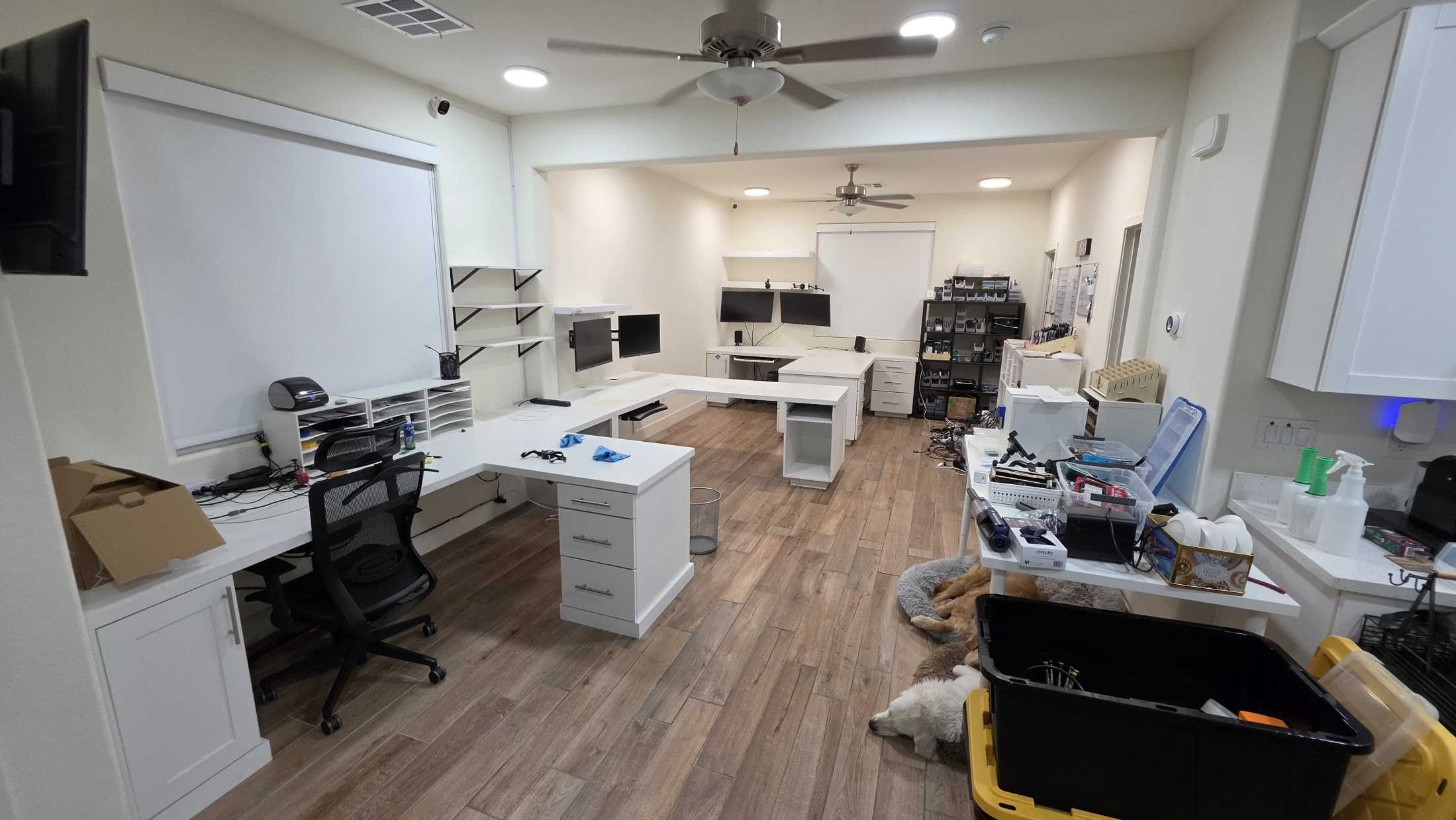
In case you haven't heard, I will be moving from Las Vegas, NV to Star, ID.
In my Las Vegas office, I had fully custom built workbenches for myself & my employee(s). But now it's time to go & tear everything down.
I'm really sad since these benches felt like the perfect layout! Or maybe I just got used to them.
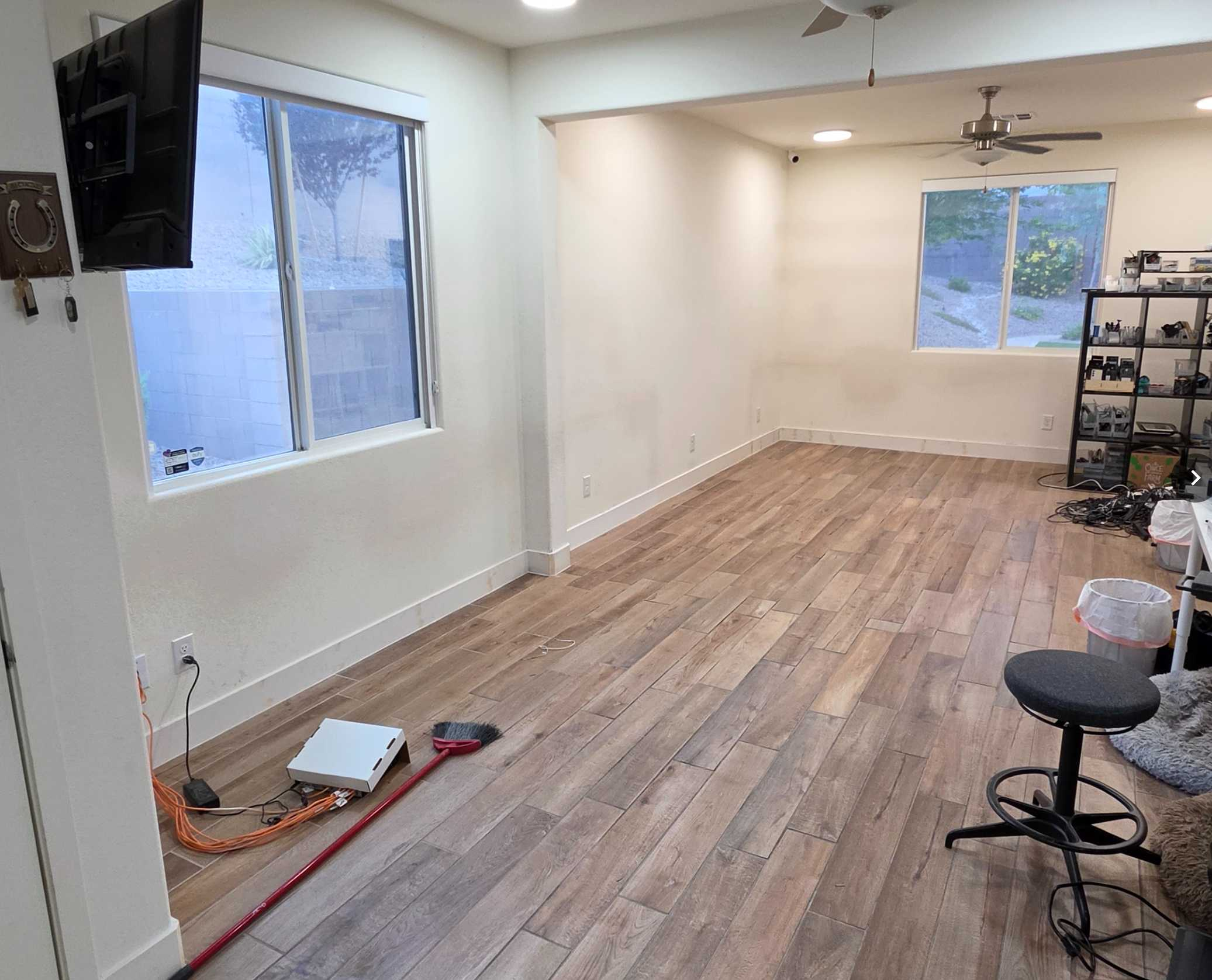
I've attached some pics of what it looked like before & now that's all gone.
I do have some good news tho.... I recorded a detailed video of my office for youtube! I'll be posting that video soon!
Like this post if you want to see that video!